Namkos Progress Bar Video Tutorials: Complete Setup Guide
Namkos Team
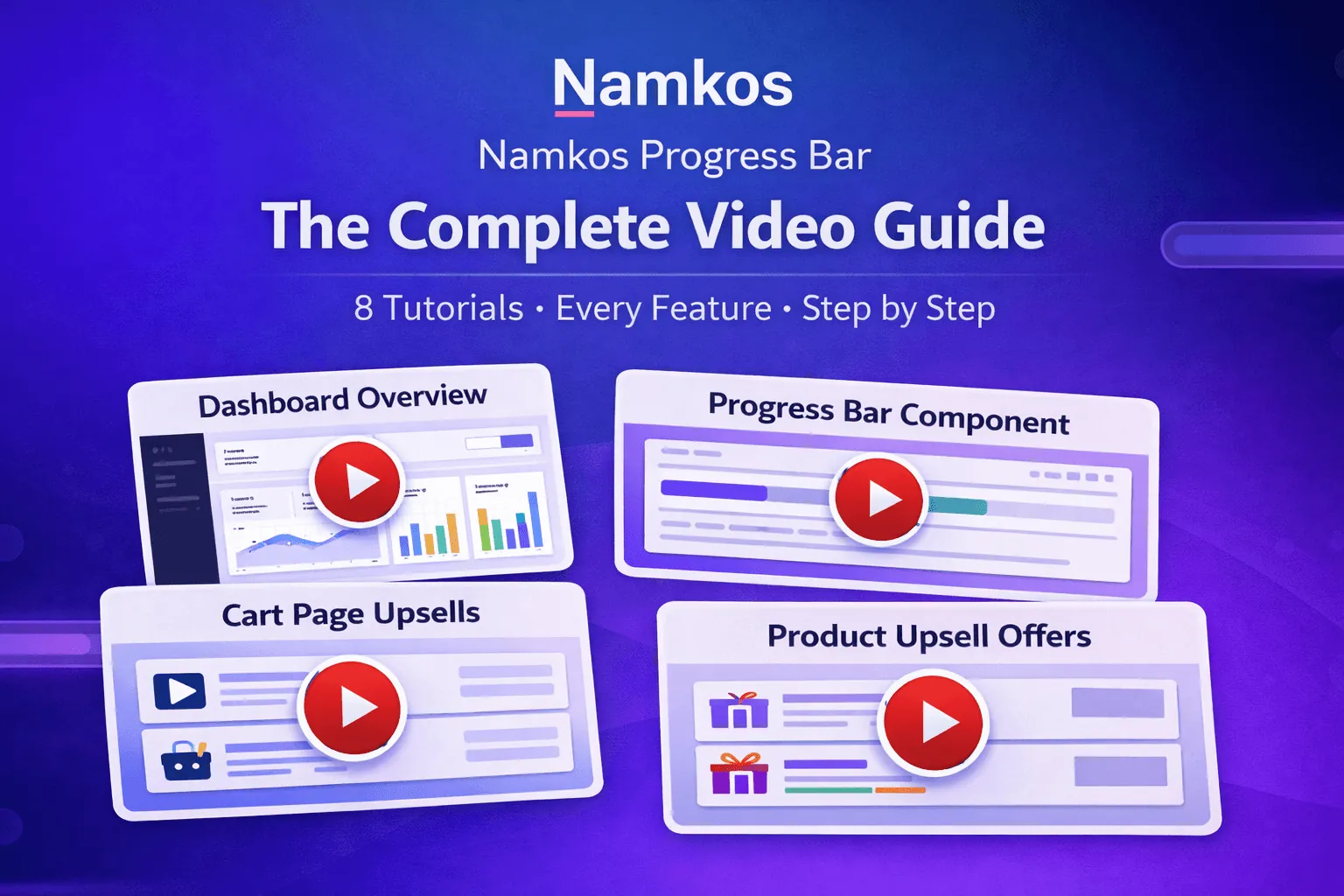
Summary: We created 8 video tutorials that walk you through every feature of Namkos Progress Bar. Whether you're installing the app for the first time or fine-tuning your upsell strategy, there's a video for that. This post is your complete guide, organised by learning path, with direct links to every tutorial.
You asked. We listened.
The number one piece of feedback we get from merchants is: "I want to see how it works before I set it up." Fair enough. Reading documentation is useful, but watching someone walk through the setup in real time removes all the guesswork.
So we recorded 8 detailed video tutorials that cover every feature in Namkos Progress Bar, from your first install to reading your analytics dashboard. Every option, every setting, every component. Nothing left to guess.
This post is your hub. Bookmark it. Come back whenever you need a refresher. Each video is short, focused, and designed to get you from "I don't know where to start" to "this is live on my store" as fast as possible.
Key Takeaways
- 8 video tutorials covering every feature, organised from beginner to advanced
- Each video is short and focused, typically 3-6 minutes, so you only watch what you need
- Follow the learning path from installation through to analytics, or jump to any video that answers your question
- All tutorials are available on YouTube and embedded in our documentation page
The Learning Path
We organised the tutorials into a natural progression. If you're brand new, start at Video 1 and work your way through. If you're already set up and want to optimise, skip to the video you need.
| Video | What You'll Learn |
|---|---|
| 1. Installation | Install the app and navigate the dashboard |
| 2. App Embed | Enable the app embed so bars appear on your store |
| 3. Dashboard | Understand every section of your dashboard |
| 4. First Promotion | Create your first promotion with a spending goal and reward |
| 5. Progress Bar | Customise the top/bottom bar with templates, styling, and placement |
| 6. Product Page | Add a progress bar with upsells on product pages |
| 7. Cart Page | Add a progress bar with upsells on the cart page |
| 8. Upsell Strategy | Set up price tiers, choose products, and maximise conversions |
Getting Started
Video 1: Installation and First Launch
What you'll learn:
- How to find and install Namkos Progress Bar from the Shopify App Store
- What permissions the app needs and why
- Your first look at the dashboard: plan usage, promotions list, and analytics overview
- Understanding the free Launch plan vs paid plans
Time: Under 5 minutes
This is where everyone starts. By the end of this video, the app is installed and you know your way around the dashboard. The next step is enabling the app embed, which is covered in Video 2.
Video 2: App Status and Enabling App Embed
What you'll learn:
- How to read the App Status checklist and what each indicator means
- Step-by-step: enabling the app embed in your Shopify theme editor
- How to verify the embed is active
- Troubleshooting if the status still shows red
Time: Under 3 minutes
This is the most important video in the series. Without enabling the app embed, nothing displays on your store. This one-time setup takes under 10 seconds, but skipping it is the number one reason merchants think the app isn't working. Watch this one first if your bars aren't showing.
Video 3: Dashboard Overview
What you'll learn:
- Plan usage banner: your plan, monthly views, and reset date
- Managing promotions: publish, unpublish, edit, and delete
- Analytics at a glance: views, add-to-carts, and revenue
- Navigation menu: Advanced Analytics, Pricing Plans, and support resources
Time: Under 5 minutes
Think of this as your orientation video. Once you know where everything lives in the dashboard, every other tutorial makes more sense. If you're the type who likes to explore before building, start here.
Setup
Video 4: Creating Your First Promotion
What you'll learn:
- Naming your promotion for easy management
- Setting the right goal amount (we recommend 20-30% above your current AOV)
- Choosing your reward type: free shipping, percentage discount, fixed discount, or free gift
- Saving your promotion and choosing which components to create
- Publishing your promotion and verifying the automatic Shopify discount
Time: Under 5 minutes
This is the core of the app. A promotion defines what your customers are working toward and what they get when they reach it. The video walks through each reward type so you can pick the one that fits your store.
Pro tip: Free shipping is the most popular reward type and typically has the highest conversion rate. If you're not sure where to start, start there.
Components
Video 5: Progress Bar Component (Top/Bottom Bar)
What you'll learn:
- The three-tab editor: Content, Styling, and Placement
- Content templates and dynamic variables like {{remaining_amount}} and {{threshold}}
- Writing effective main, progress, and goal-reached messages
- Styling: nearly 20 colour templates, bar position (top or bottom), fixed vs scroll behaviour
- Typography, background gradients, and progress track customisation
- Placement targeting: all pages, specific collections, or specific products
Time: Under 7 minutes
This is the component every merchant starts with. It's available on the free plan and appears across your entire store. The video covers every option in the editor so you can make it look exactly how you want.
Video 6: Product Page Component
What you'll learn:
- Why the product page is a critical conversion point
- How the bar appears below the add-to-cart button
- Toggling the progress bar and upsell slider independently
- Content, Styling, and Placement tabs (consistent with Progress Bar setup)
- Targeting specific products or collections
Time: Under 4 minutes
Requires Growth plan or above. This is where the app starts driving serious AOV gains. When a customer adds something to their cart and immediately sees "You're only $12 away from free shipping," the impulse to add one more item is powerful. This video shows you how to set it up.
Video 7: Cart Page Component
What you'll learn:
- Why the cart page is your last chance to increase order value before checkout
- Cart placement options: top of cart vs below checkout button
- How the component adapts to cart drawers automatically
- Testing all three components working together: product page, top bar, and cart page
- The full customer flow from browsing to goal reached
Time: Under 5 minutes
Requires Accelerate plan or above. The cart page is where customers are about to pay. Showing them they're close to a reward at this moment creates genuine urgency. This video includes a full walkthrough of all three components working together in a live store.
Advanced
Video 8: Upsell Functionality and Strategy
What you'll learn:
- Enabling and configuring the upsell slider on Product Page and Cart Page
- Writing effective marketing text above the product slider
- Setting up price tiers: show different products based on how far the customer is from the goal
- Choosing the right products for each tier (complementary items with good margins)
- Goal-reached bonus products: keep selling even after the threshold is met
- Styling upsell cards: product name, background, price, and add-to-cart button
- The difference between Product Page display (1 card) and Cart Page display (2 cards)
Time: Under 6 minutes
This is the most advanced tutorial and the one that can have the biggest impact on your revenue. Price tiers are the secret weapon: when a customer is $8 away from free shipping, showing them a $9 product is an easy decision. This video explains the strategy behind choosing the right products, not just the technical setup.
Quick Reference: Find the Right Video
Not sure which video you need? Use this quick guide.
| I want to... | Watch |
|---|---|
| Install the app for the first time | Video 1: Installation |
| Fix bars not showing on my store | Video 2: App Embed |
| Understand the dashboard | Video 3: Dashboard |
| Create my first promotion | Video 4: First Promotion |
| Customise how the bar looks | Video 5: Progress Bar |
| Add a bar to product pages | Video 6: Product Page |
| Add a bar to the cart page | Video 7: Cart Page |
| Set up product recommendations | Video 8: Upsell Strategy |
| Increase my average order value | Videos 4, 6, 7, and 8 |
Why We Made These Videos
We build tools for Shopify merchants, not developers. That means if our app isn't immediately clear, that's our problem to solve.
These videos exist because:
- Every merchant learns differently. Some prefer reading docs. Some prefer watching. Now you have both.
- Setup should never be the bottleneck. If a progress bar can increase your AOV by 15-25%, the last thing we want is for you to get stuck on configuration.
- Features you don't use can't help you. Upsell tiers, placement targeting, and cart page components are powerful, but only if you know they exist and how to use them.
- We want to reduce support tickets. Honestly. The fewer "how do I..." emails we get, the more time we spend building features. These videos answer the questions we hear most.
Every tutorial is also embedded directly in our documentation page, so you can watch while you set up. Side by side, real-time.
What's Coming Next
We're not stopping at 8 videos. Here's what's on the roadmap:
- Analytics deep dive — How to read your metrics and make data-driven decisions to optimise your progress bar performance
- Seasonal strategy guide — Setting up promotions for Black Friday, holiday sales, and seasonal peaks
- A/B testing walkthrough — How to test different messages, thresholds, and styles to find your winning combination
Want to be the first to know when new tutorials drop? Follow us on YouTube and check this blog regularly.
Frequently Asked Questions
Do I need to watch all 8 videos? No. Start with Videos 1 and 2 to install and enable the app. Then jump to whichever video matches what you want to set up. The learning path is a suggestion, not a requirement.
How long are the videos? Most are 3-6 minutes. The longest (Video 5: Progress Bar and Video 8: Upsell Strategy) are under 7 minutes because they cover more options. No filler, no fluff.
Are the videos up to date? Yes. We update tutorials whenever we release significant changes to the app. If you notice something outdated, let us know and we'll re-record it.
Can I follow along while watching? Absolutely. That's the best way to learn. Open the app in one tab, play the video in another, and set up your progress bar step by step. Our documentation page has the videos embedded right next to the written guides.
I watched the video but still have questions. What do I do? Contact our support team. We typically respond within 24 hours, and we're happy to walk you through anything the videos don't cover.
Is Namkos Progress Bar free to start? Yes. The Launch plan is free forever with no credit card required. It includes the Progress Bar component, multiple promotions, and full customisation. Paid plans unlock Product Page and Cart Page components, upsell recommendations, and advanced analytics.
Free Plan Available - No Credit Card Required